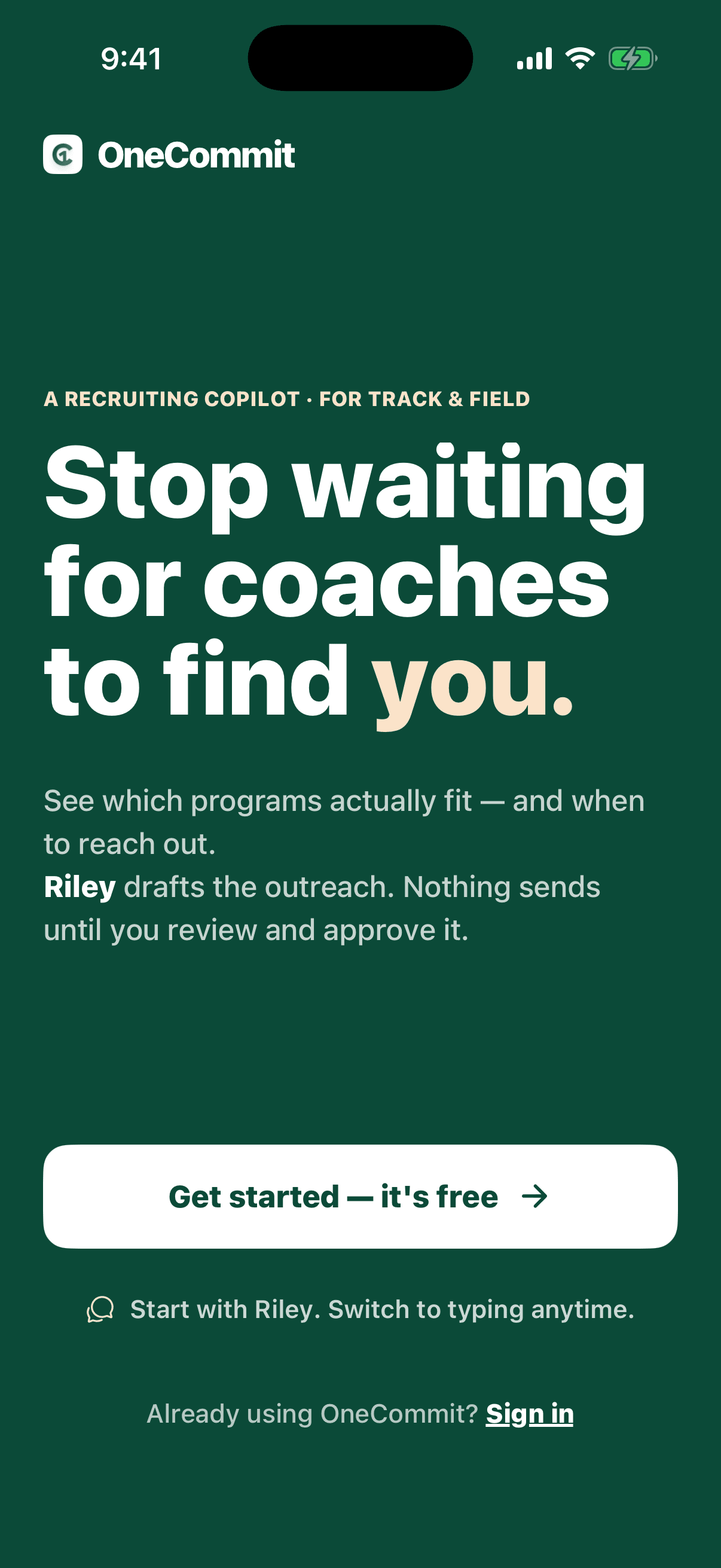
Riley-guided voice onboarding
A spoken intake instead of a recruiting form. Riley asks, the athlete answers, and every captured detail is editable before anything uses it.
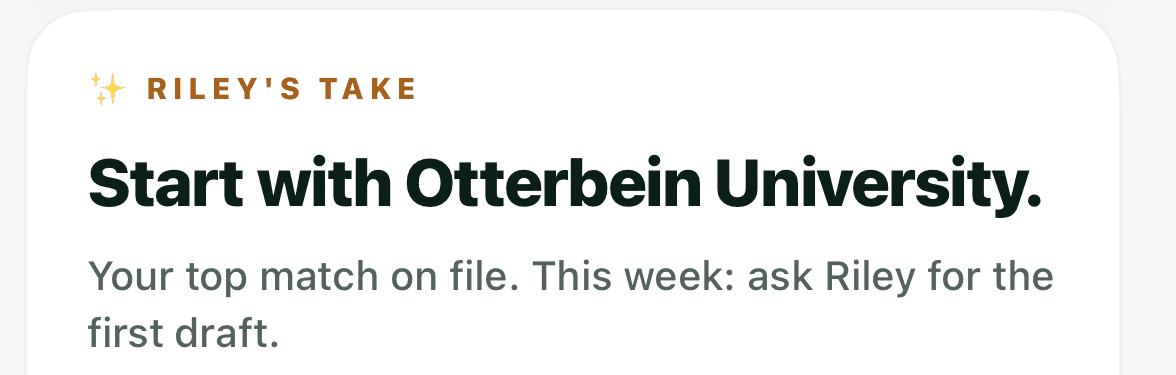
OneCommit scores real programs against your own marks and grades, and shows its work. Then it turns the list into a few things to do today — written with you, sent from your inbox, never ours.
Nothing sends without your approval.
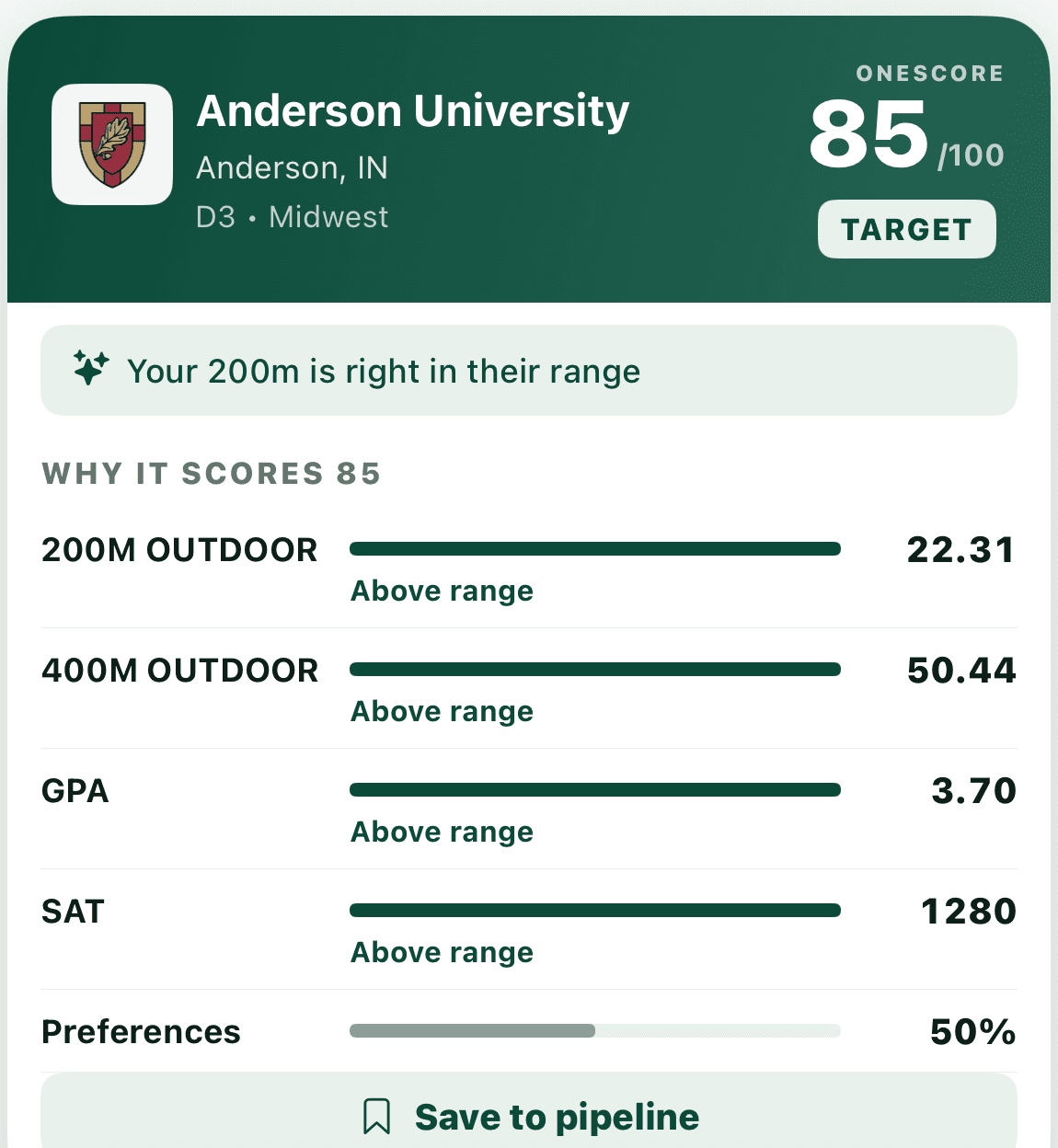
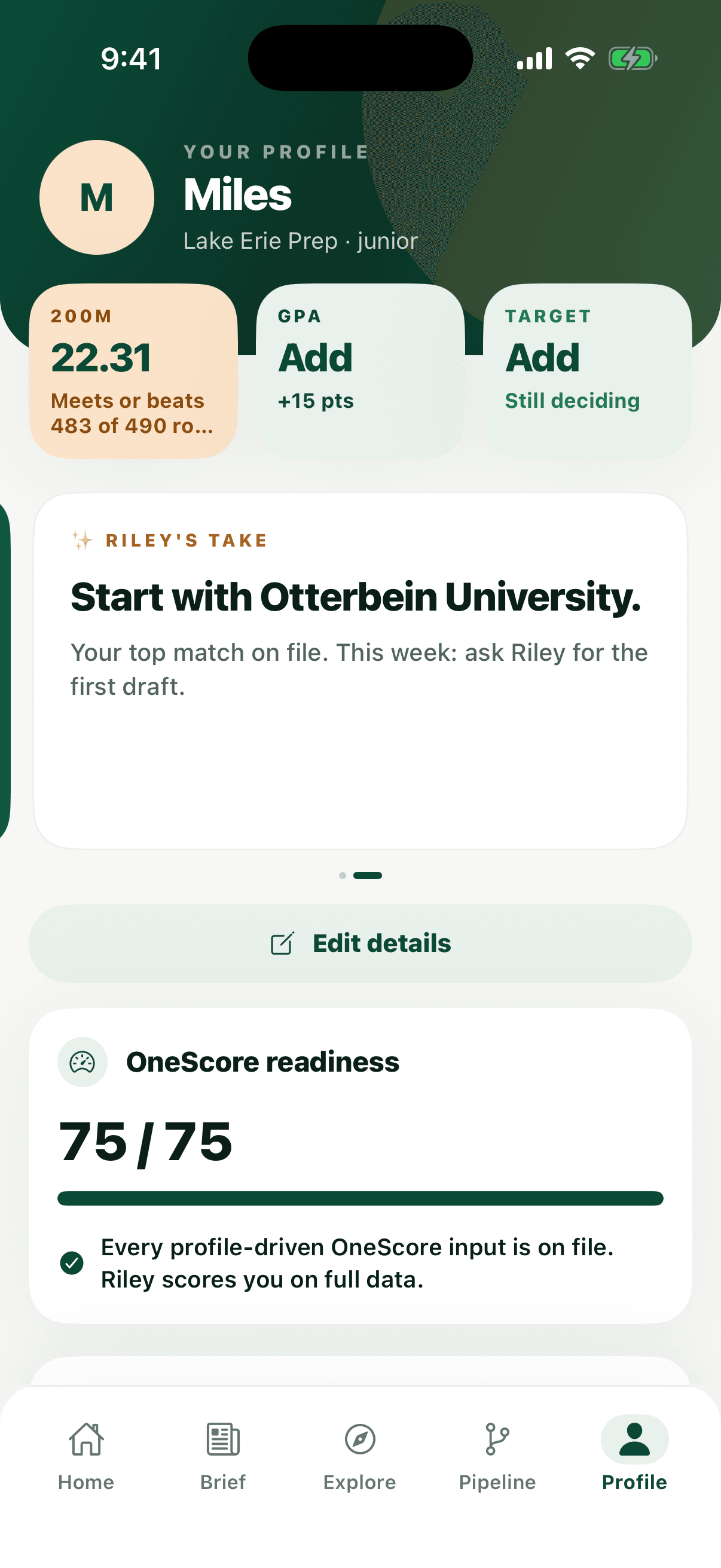
School-by-school fit guidance from the current D3 beta dataset, scored on marks you import from MileSplit.
Outlook/Microsoft 365 is currently the only inbox option offered in the beta app. Gmail is not currently available.
Request access and start when capacity and a supported app-access path are available.
The problem
Unless you’re a blue-chip recruit, you’re on your own. We’re changing that.
Problem: You’re guessing which schools are realistic
With OneCommit: OneScore helps you compare fit across the current D3 beta dataset.
Problem: Your outreach is scattered across drafts and inboxes
With OneCommit: Emails go from your own inbox, while OneCommit helps you keep the process organized.
Problem: You shouldn’t need a large upfront package
With OneCommit: OneCommit starts with a free beta invitation when capacity and a supported app-access path are available.
Problem: Waiting on coaches to notice you isn’t a strategy
With OneCommit: You choose who to contact and review every message before it sends.
Where you stand
Every school on your list gets a band — Reach, Target, or Foundation — and the score shows its work. Each mark, your GPA, your SAT, measured against that program’s own range.
Then you decide. You can write to any school on the list, including the ones it called a Reach. The read is there to inform the letter, not to decide whether you are allowed to send it.
Elsewhere in this sport a contact button can be gated — it appears only once your verified marks already clear a program’s published standard. OneCommit gives you the same honest read and leaves the button where it is.
What’s in the beta
Two things no recruiting form does: a spoken intake, and a search that ranks real programs against your own marks.
A spoken intake instead of a recruiting form. Riley asks, the athlete answers, and every captured detail is editable before anything uses it.
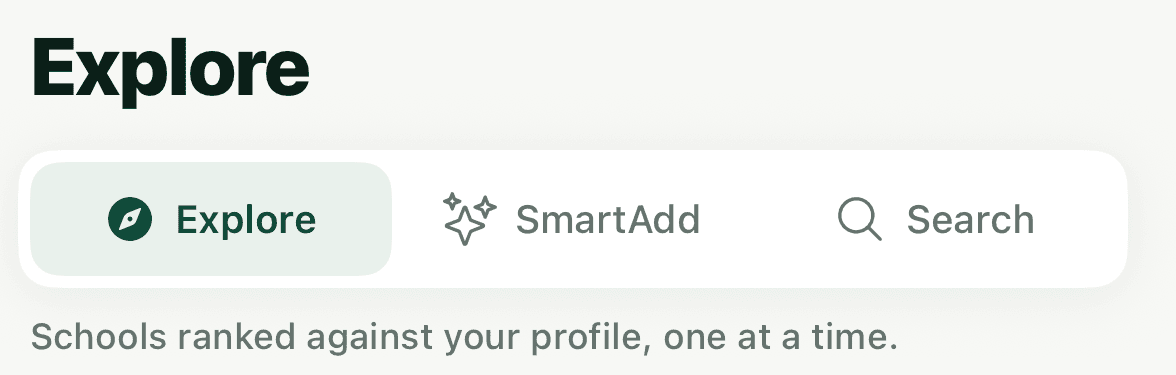
Browse, describe what you want, or search by name across the current D3 beta dataset. Saving a school moves it onto the working list.
How it works
How it works
Step 1 of 4
You answer out loud instead of filling in a form, then edit anything Riley got wrong before it counts.
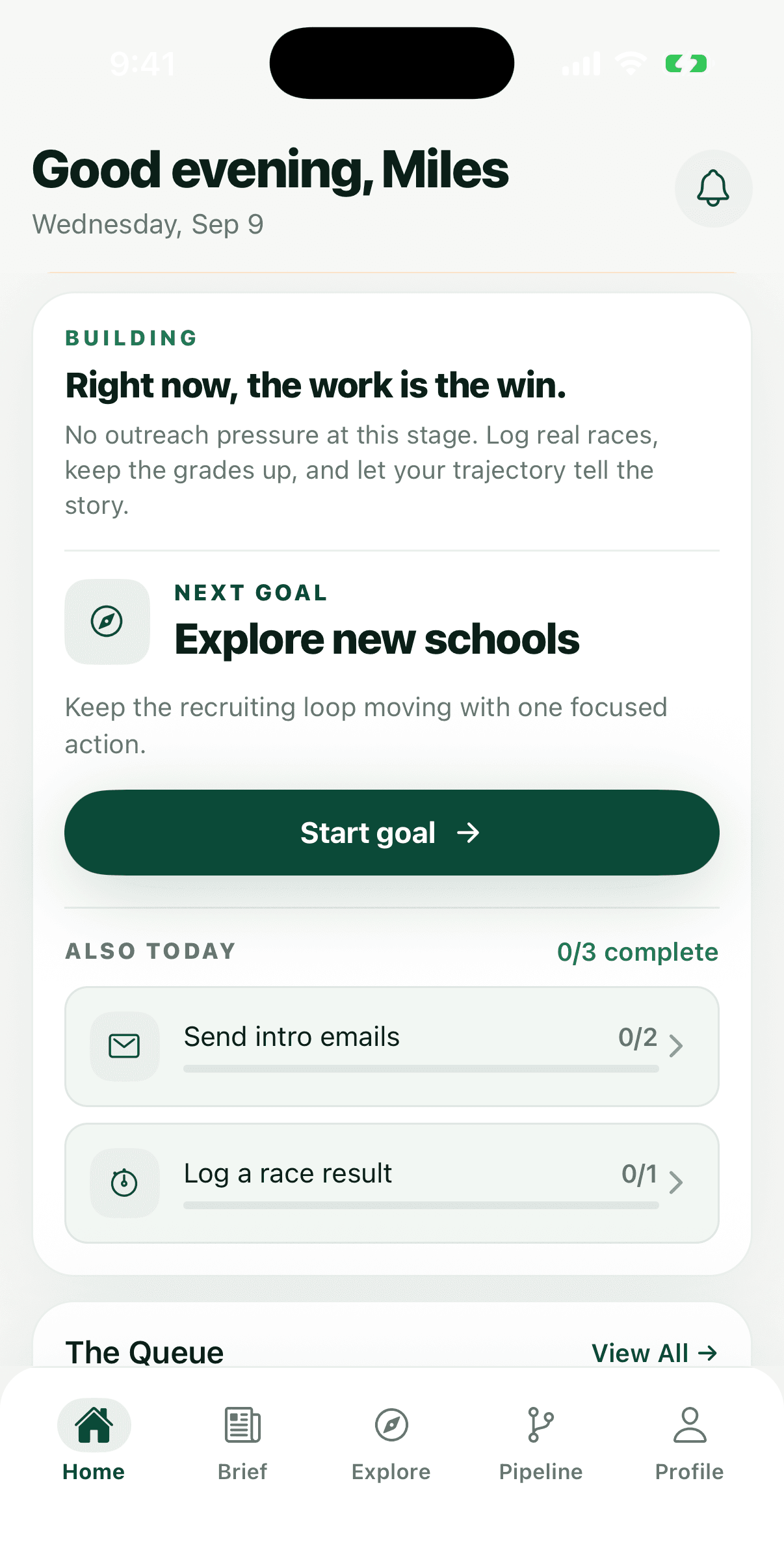
The app at the Building stage
No outreach pressure at this stage. Log real races, keep the grades up, and let your trajectory tell the story.
Quoted verbatim from the Building stage of the app’s home screen. It would be easier to sell if it said something else.
The daily loop
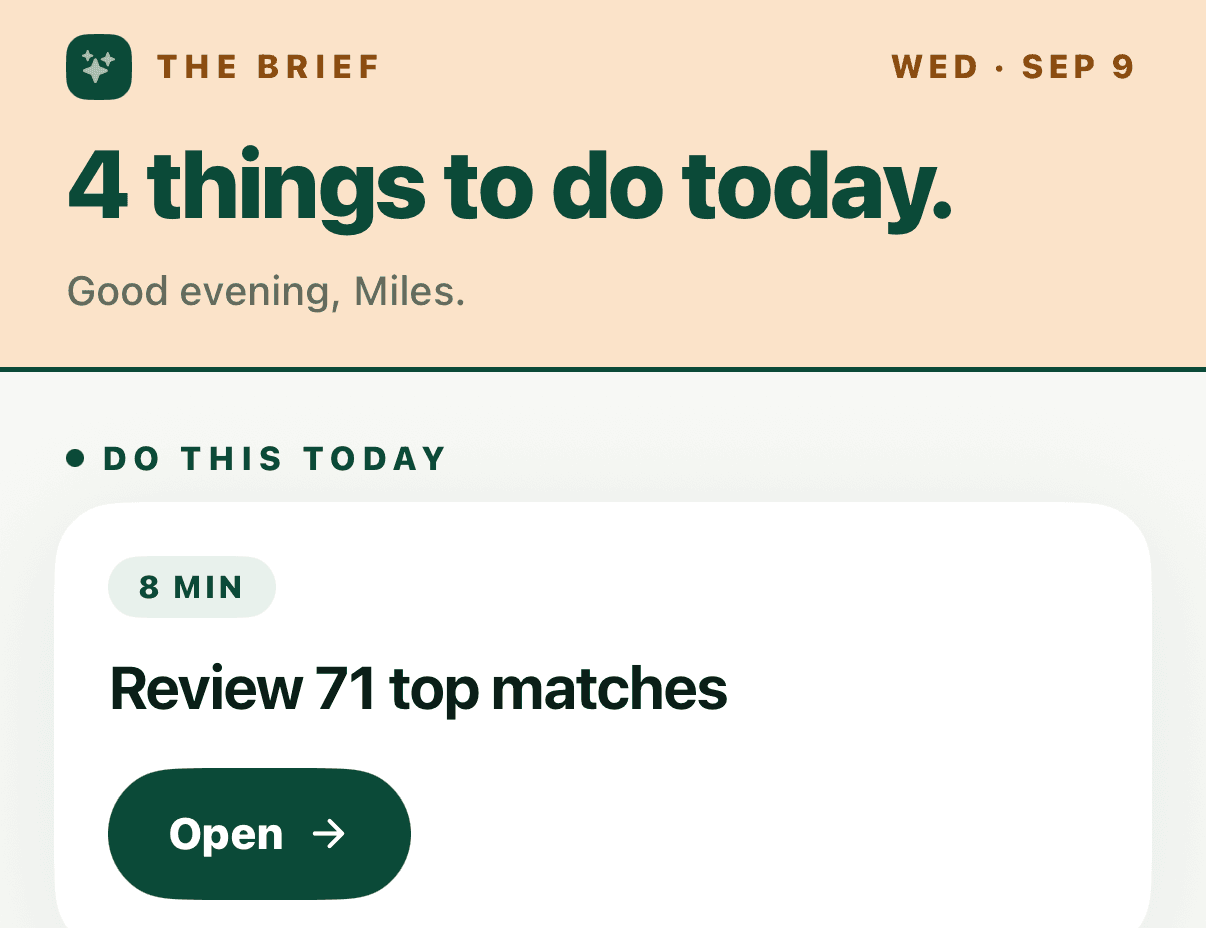
Recruiting stalls because nobody knows the next move. OneCommit turns it into a short list you can finish before practice.
The Brief opens on today’s date with a short list of things to do, each one carrying its own time estimate.
The day’s tasks sit under a completion counter, so finishing the list is a thing you can actually do.
Matches saved, messages sent, replies received — the three numbers that say where the whole process stands.
Notifications fire on a reply landing, not on a schedule, so checking the app is never the point.
Our story
I spent weeks Googling coach emails, copy-pasting the same intro letter over and over, and sending messages into the void. Most never got a reply.
In early 2024 I started reaching out to college track programs. I had the times, the grades, the drive — but no idea which schools actually fit me, athletically or academically, and no system for tracking who I’d contacted, what they said, or when to follow up.
So I built one. What started as a quick script to organize my own outreach turned into a matching and email workflow that made the process clearer. I realized the problem wasn’t my ability — it was the system I was trying to navigate.
The recruiting system is built around the athletes who already have visibility. Everyone else gets left to figure it out alone, or pay for a service that posts a passive profile and waits. OneCommit exists to fix that.
Beta access
We are validating the athlete workflow before publishing a price or asking anyone to subscribe.
Request a free invitation to the core recruiting workspace during beta.
No credit card is required if you receive a beta invitation.
A passive profile-based model whose price is disclosed on a sales call rather than on the page.
Typical legacy model
FAQ
Everything you need to know about building your recruiting process with OneCommit.
Not on the list?
Send the question straight to us. Every message goes to a person, not a ticket queue.
admin@onecommit.usOneCommit is a self-service recruiting workspace for high school Track & Field and Cross Country athletes. It helps athletes compare schools, prepare personal outreach, and track coach replies from their own inbox.
For the adults supporting the athlete
OneCommit stays athlete-owned: no coach or administrator dashboard, roster monitoring, team reporting, or automatic outreach.
Guide a clearer recruiting check-in while each athlete owns the account, outreach, and decisions.
For coachesGive track and field athletes a common recruiting workflow without adding an administrator portal.
For schoolsReinforce a repeatable athlete-led rhythm for profiles, school comparison, outreach, and replies.
For athletic programsRequest a OneCommit beta invitation to build your OneScore list, draft personal coach emails, and track replies from one recruiting workspace.